WebGL Fluid Simulation
WebGL Fluid Simulation
Play WebGL Fluid Simulation for free on HamsterMath. No downloads required — play instantly in your browser!
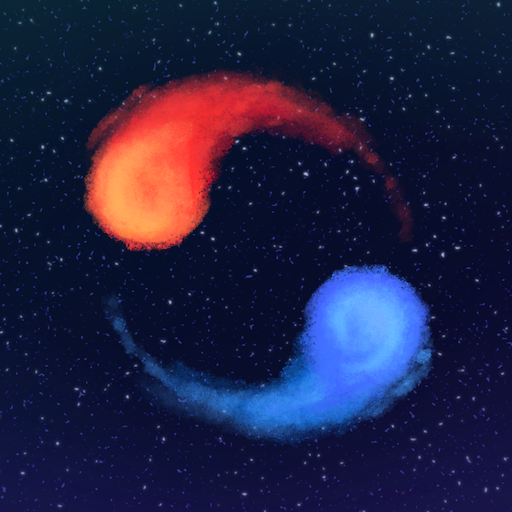
WebGL Fluid Simulation is a mesmerizing interactive fluid dynamics visualization that turns your mouse movements into swirling, colorful liquid patterns. Based on real physics equations rendered in real-time using WebGL, every swipe and click creates beautiful turbulent flows and color mixing effects. It's a captivating digital toy that showcases the power of GPU-accelerated browser graphics.
How to Play WebGL Fluid Simulation
Move your mouse or drag across the screen to create fluid motion and colorful swirls. Click to generate splashes of color that interact with existing fluid patterns. Experiment with different movement speeds and directions to create vortices and turbulent flows. Use the settings panel to adjust parameters like viscosity, curl, and color intensity.
Controls
- Click and Drag - Create fluid motion
- Left Click - Generate color splashes
- Settings Panel - Adjust simulation parameters
- Multiple Fingers/Clicks - Create multiple fluid sources
More Games Like This
If you enjoy WebGL Fluid Simulation, check out these similar games on HamsterMath:
FAQ
Is WebGL Fluid Simulation free to play? Yes! WebGL Fluid Simulation is completely free to play on HamsterMath. No downloads, no sign-ups — just open your browser and play instantly.
Can I play WebGL Fluid Simulation on my phone? Yes — WebGL Fluid Simulation works on mobile browsers, tablets, and desktop computers. For the best experience on mobile, play in landscape mode.
Does WebGL Fluid Simulation require Flash? No. WebGL Fluid Simulation is an HTML5 game that runs directly in modern browsers without Flash or any other plugins.